
Purpose
The aim of this article is to provide an overview of essential Chrome extension tools that are being utilized by the team. These extensions are designed to enhance productivity, streamline tasks, and improve the overall browsing experience.
From grammar checkers to project management tools, there are various extensions available on the Chrome Web Store that can be customized to meet specific needs. By incorporating these extensions into daily workflows, team members can save time, increase efficiency, and ultimately achieve better results.
Inspiration
Wordmark
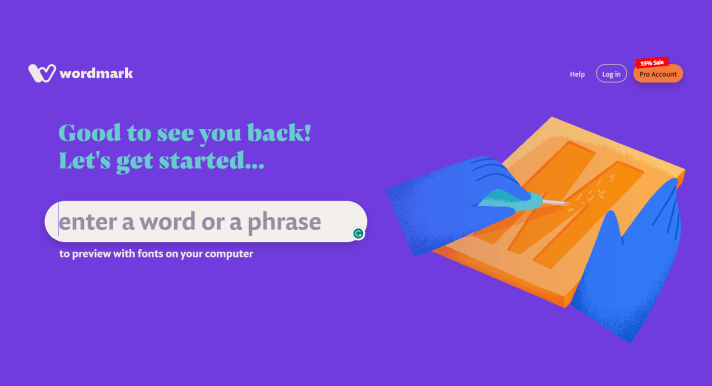
Wordmark.it is a free web-based tool that allows users to preview and compare multiple fonts installed on their computer. With Wordmark.it, users can enter a word or phrase and instantly see how it would look in all the fonts available on their system, without the need to install or preview each font individually.
Link – https://wordmark.it/
Muzli
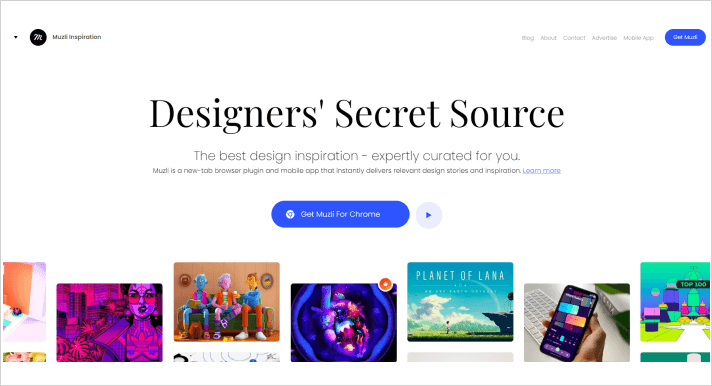
With Muzli, users can stay up-to-date with the latest design trends and news, access design-related articles, and discover inspiring design work from around the web. The tool offers a customizable homepage that can be tailored to individual preferences, including options to choose design categories and sources to follow. Additionally, Muzli features a design assets section that includes freebies such as icons, illustrations, and fonts.
Link – https://muz.li/
Resource Gathering
What Font
To embrace the new web font era, WhatFont also detects services used for serving the font. Now supports Typekit and Google Font API.
Link – http://www.chengyinliu.com/whatfont.html
Awesome Screenshots
Awesome Screenshot is a browser extension that allows users to capture, annotate, and share screenshots of web pages.
Link – https://www.awesomescreenshot.com/
Eyedropper
With this tool, users can click on any part of a web page to capture the color, and the hexadecimal code for that color will be displayed. Users can then copy the code and use it for their own designs or projects.
Link – https://eyedropper.org/
Measuremate
With Measure Mate, users can simply click and drag to measure the width, height, and distance between any two points on a web page. The tool offers units of measurement such as pixels, ems, and percentages, and allows users to save and download their measurements. Additionally, Measure Mate offers features such as color picker and ruler guides, making it a useful tool for designers and developers.
Link – https://measuremate.xyz/
Savee.it
Savee.it is a visual bookmarking and organization tool similar to Pinterest, allowing users to save and categorize images from around the web. With Savee, users can create custom collections and save images to those collections, making it easy to organize and access their favorite images later.
Link – https://savee.it/
Technical Extensions
LastPass
LastPass offers features such as automatic password filling and generation, secure note storage, and two-factor authentication. With LastPass, users can create and store strong, unique passwords for each of their accounts without the need to remember them.

Link – https://www.lastpass.com/
Loom
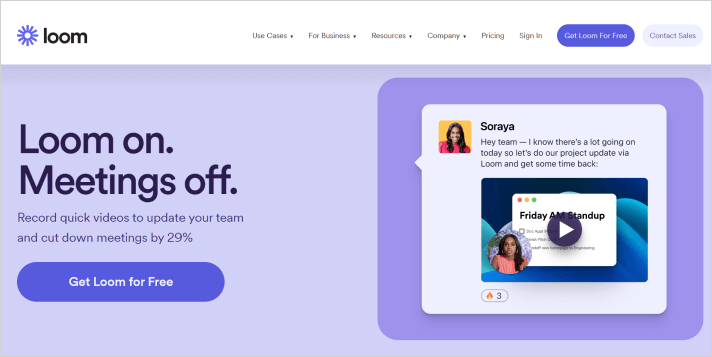
Loom is a video communication tool that allows users to record, share, and watch videos online. With Loom, users can quickly and easily record videos of their screen, camera, or both, and share them with others via a shareable link.
Link – https://www.loom.com/
Winscribe
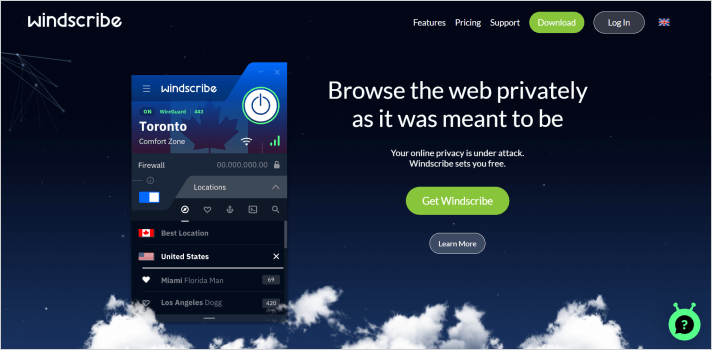
Windscribe is a virtual private network (VPN) service that offers online privacy and security features. With Windscribe, users can encrypt their internet connection, preventing anyone from tracking their online activity or stealing their data. The tool offers features such as ad blocking, malware protection, and a firewall, making it a comprehensive security solution for online browsing.
Link – https://windscribe.com/
Grammarly
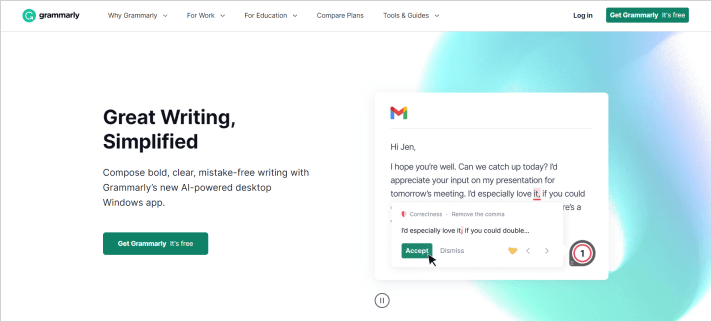
Grammarly is a writing assistant tool that helps users improve their writing by providing real-time grammar and spelling corrections, suggestions for sentence structure, style, and vocabulary enhancements.
Link – https://www.grammarly.com/
CSS Viewer
Very helpful in inspecting web element, fonts, colors and dimensions that we could reference for our web and UI/UX designs.
https://chrome.google.com/webstore/detail/cssviewer/ggfgijbpiheegefliciemofobhmofgce