Purpose
The goal of this article is to introduce Google Chrome and its basics. Google Chrome is a popular web browser developed by Google, known for its speed, performance, and strong security features.Basics
Opening Google Chrome
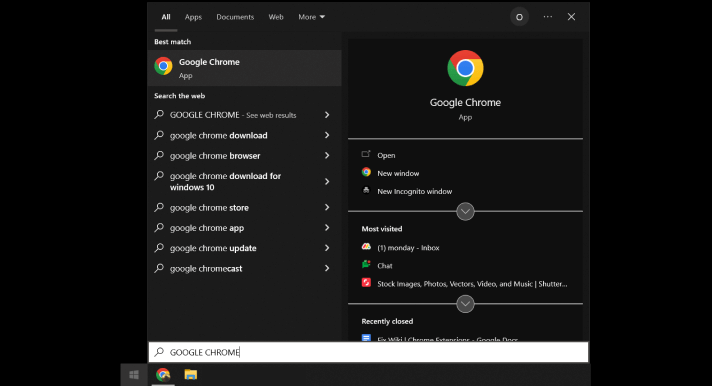
To open Google Chrome, click on its icon on your desktop or taskbar, or search for it in your computer’s search bar.
Navigating the browse
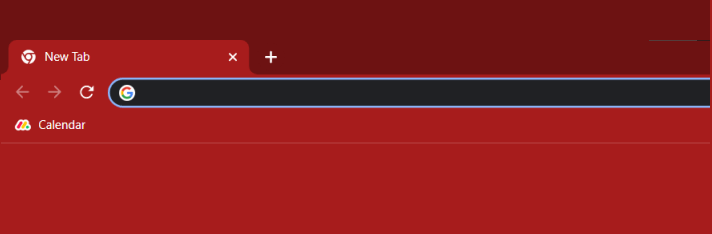
Once you open Google Chrome, you will see the address bar at the top of the window. This is where you can type in the web address of the website you want to visit. You can also use the back, forward, and refresh buttons to navigate through web pages.
Tabs
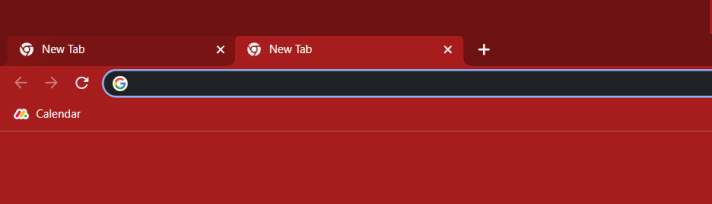
Google Chrome allows you to open multiple tabs in a single window. You can open a new tab by clicking on the + icon on the right side of the current tab. You can switch between tabs by clicking on the tab you want to view.
Bookmarks
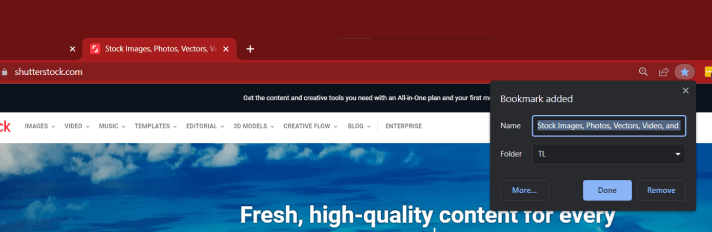
Bookmarks allow you to save web pages that you want to visit later. To bookmark a page, click on the star icon in the address bar.
Extensions
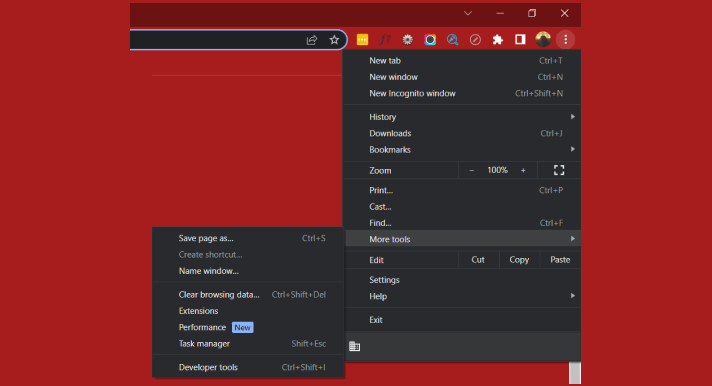
Google Chrome has a wide variety of extensions that can enhance your browsing experience. You can access extensions by clicking on the three dots in the top right corner of the window, selecting “More tools”, and then “Extensions”.
Settings
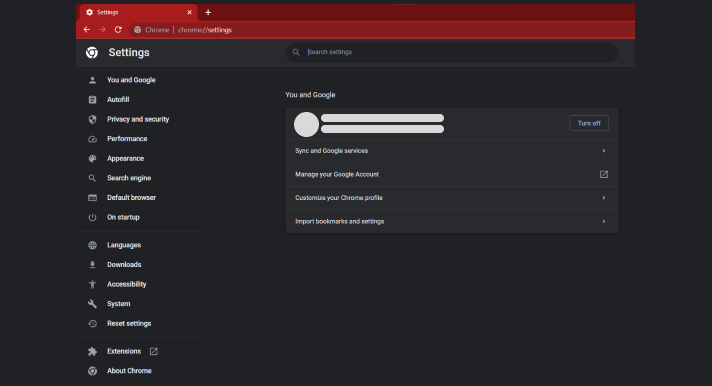
You can access the settings menu by clicking on the three dots in the top right corner of the window and selecting “Settings”. From here, you can customize various aspects of Google Chrome, such as your homepage and default search engine.
Google Suite
Integration with Google Suite services
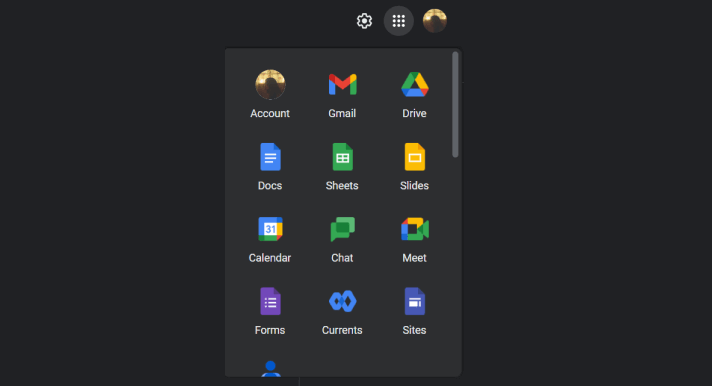
Google Suite is a collection of web-based applications that includes Gmail, Google Drive, Google Docs, and more. Google Chrome is optimized to work seamlessly with these applications, allowing you to easily access and use them.
For example, you can use the “Add to Chrome” feature to add shortcuts to Google Suite services on your browser’s home screen, making it quicker and easier to access them.
Extensions
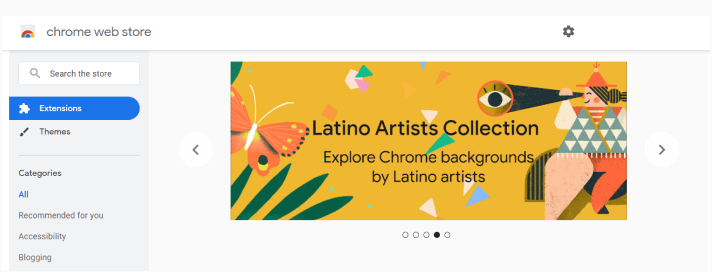
Google Chrome has a vast selection of extensions that can enhance your browsing experience. Many of these extensions are specifically designed to work with Google Suite services, making it easier to manage your emails, documents, and other Google Suite-related tasks.
For example, the Google Docs extension allows you to create and edit documents directly from your browser, without having to open the full Google Docs website.
Security
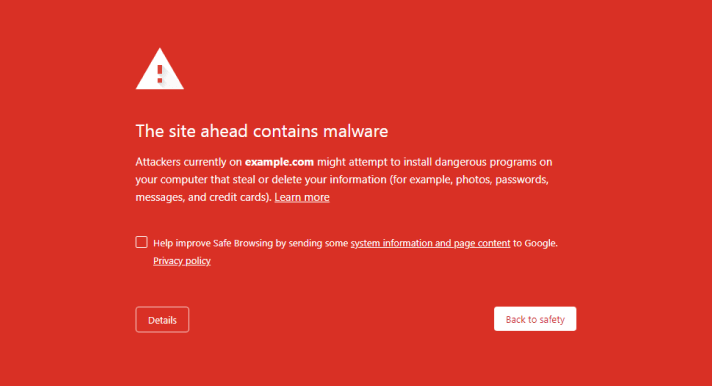
Google Chrome is also known for its strong security features, including built-in protection against phishing and malware. This is important when working with sensitive information in Google Suite services.